
Vyrex 6 MAX
AI Video Editor
$129.99/ month
500 monthly credits for short-form and long-form edits.
Send us raw footage and a short brief; our AI Video Editor sends back a finished, captioned edit. Vyrex 6 MAX is open for short-form creative and long-form YouTube editing.
Checkout asks for your email; a phone number is optional. Create your account after payment.
Start here
Pick the job and we’ll show you the product that does it, what it costs and how to start.
Compare every productYou need
Upload your footage, describe the edit, and get a finished video back.
Creators and brands posting short-form or YouTube videos.
Monthly plans from $129.99 · 500 credits
Running a social media agency? See how SMMA Studio handles client videos.
The real editor
Walk through an edit in the AI Video Editor: upload, brief, fixed quote, live progress and the finished export. Tap the numbered dots for details.
More about the AI Video EditorReal product screenshotsStart in your own workspace: your credit balance is always visible and you add footage in one click.
Before and after
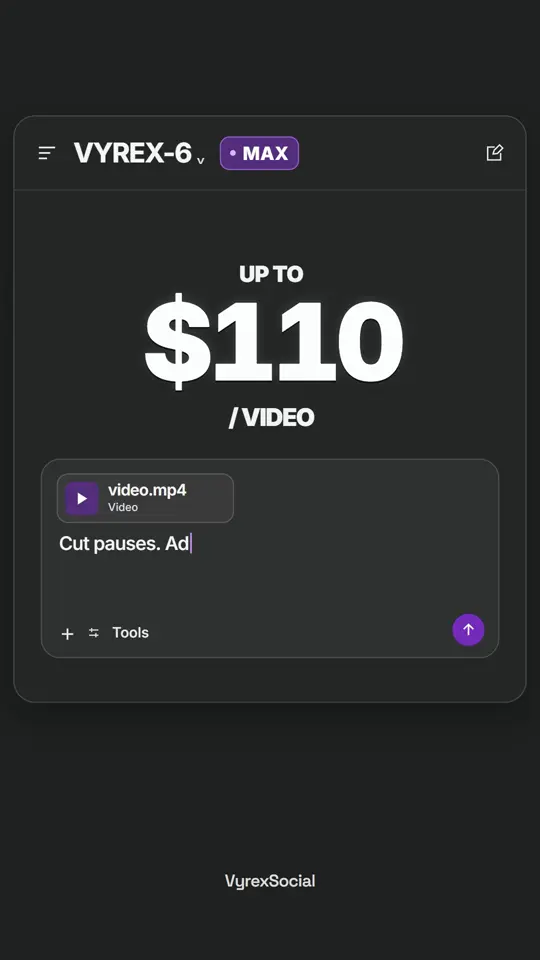
Drag the handle. On the left, a brief in the AI Video Editor; on the right, the finished edit it produced, playing.
 Before · your clip + brief
Left: the editor brief as it appears in our example campaign film. Right: the finished campaign film.
One idea. Every format. Built for the way people watch.
From footage to finished edit
No surprise charges. Every edit gets a fixed credit price you accept before it starts.
See how Vyrex 6 MAX worksPick a monthly plan and pay with your email. Create your account after payment.
Step oneUpload your footage and describe the edit you want.
No upload size capSee a length estimate, then accept a fixed credit quote after your brief.
Nothing used yetFollow progress, review and download the finished video. Credits are charged only on success.
Charged on successPricing
Each product has its own plan and balance. Every job shows its exact credit price before it starts.
Vyrex 6 MAX
$129.99/ month
500 monthly credits for short-form and long-form edits.
Vyrex 6 Content Workflows
$30.00/ month
400 monthly credits, up to 200 standard images.
Real devices
From $1,324.99
Published racks ex VAT, final quote confirmed. Cloud phones from $52.99 activation.
For companies
Share your brief by email. Agree scope and pricing before work begins.